Editing Parts
Change visibility
Show hidden objects and edges together. With Change Visibility, users can create new stages with different types of assemblies.
0:00 / 0:00
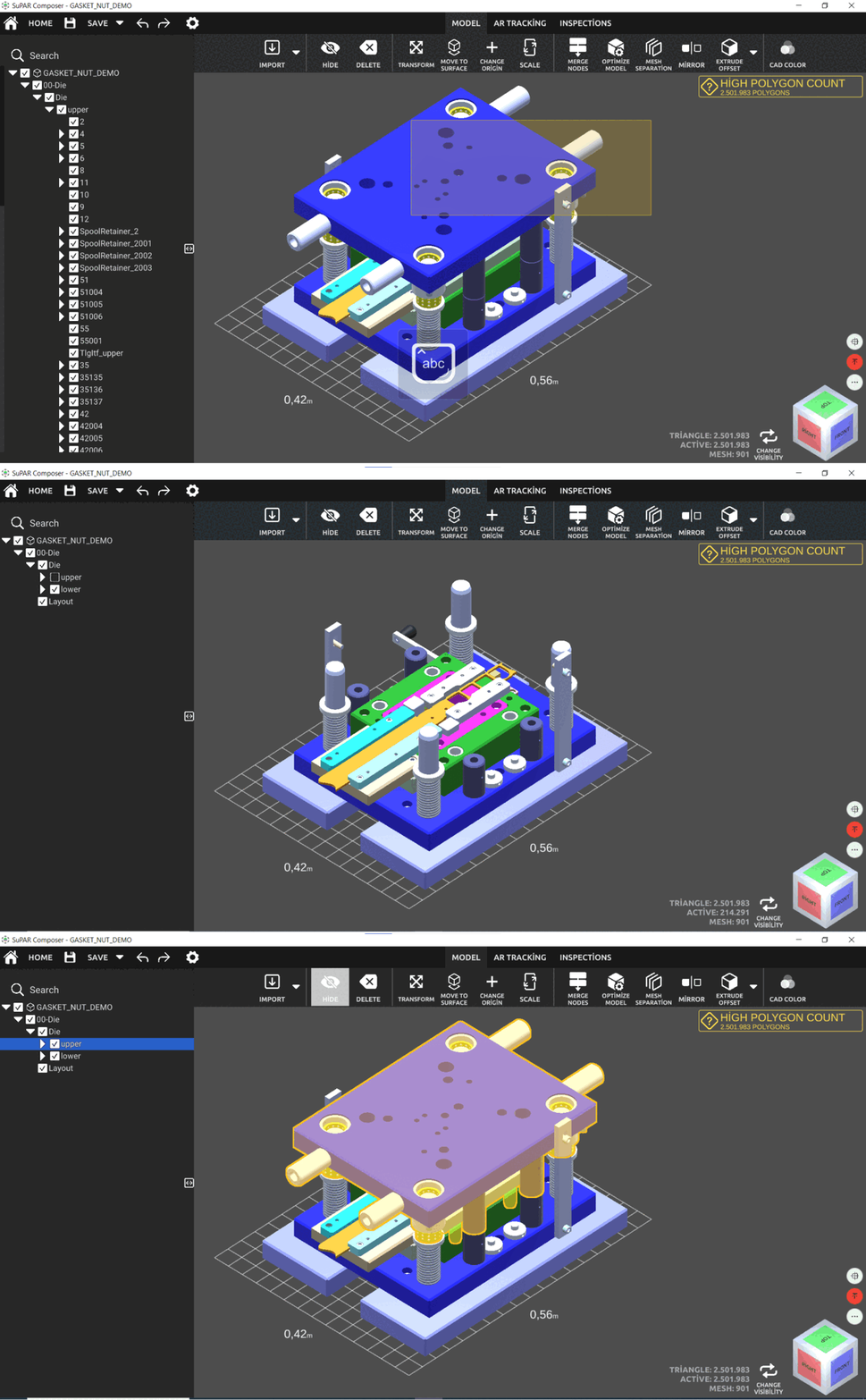
Hide
Hide or show the selected parts (partial tracking).
- Hidden objects are not tracked by the SuPAR App.
- During the inspection, hidden objects can be made visible again.
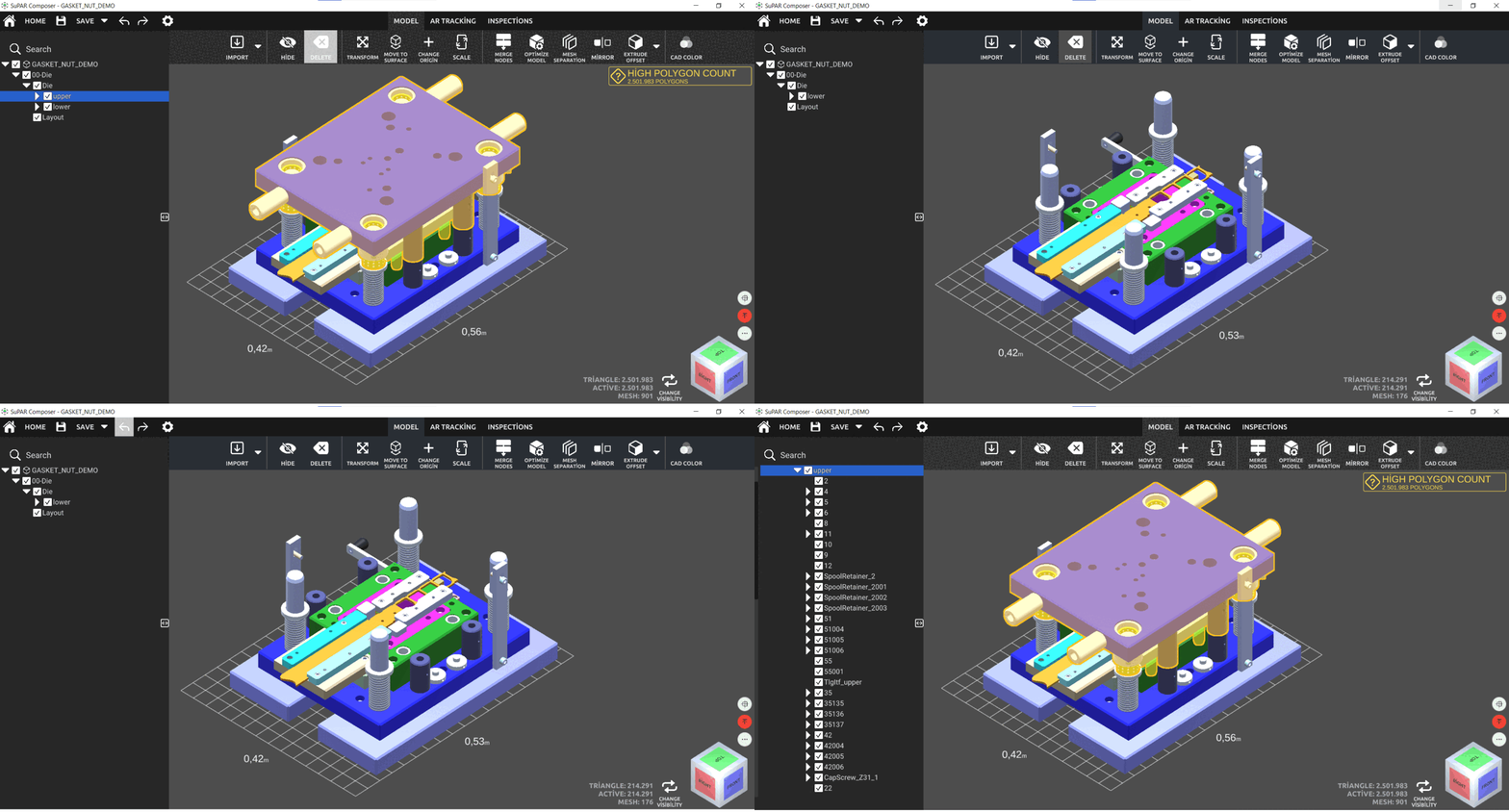
Delete
Delete the selected parts from the project. Undo works after a delete action.
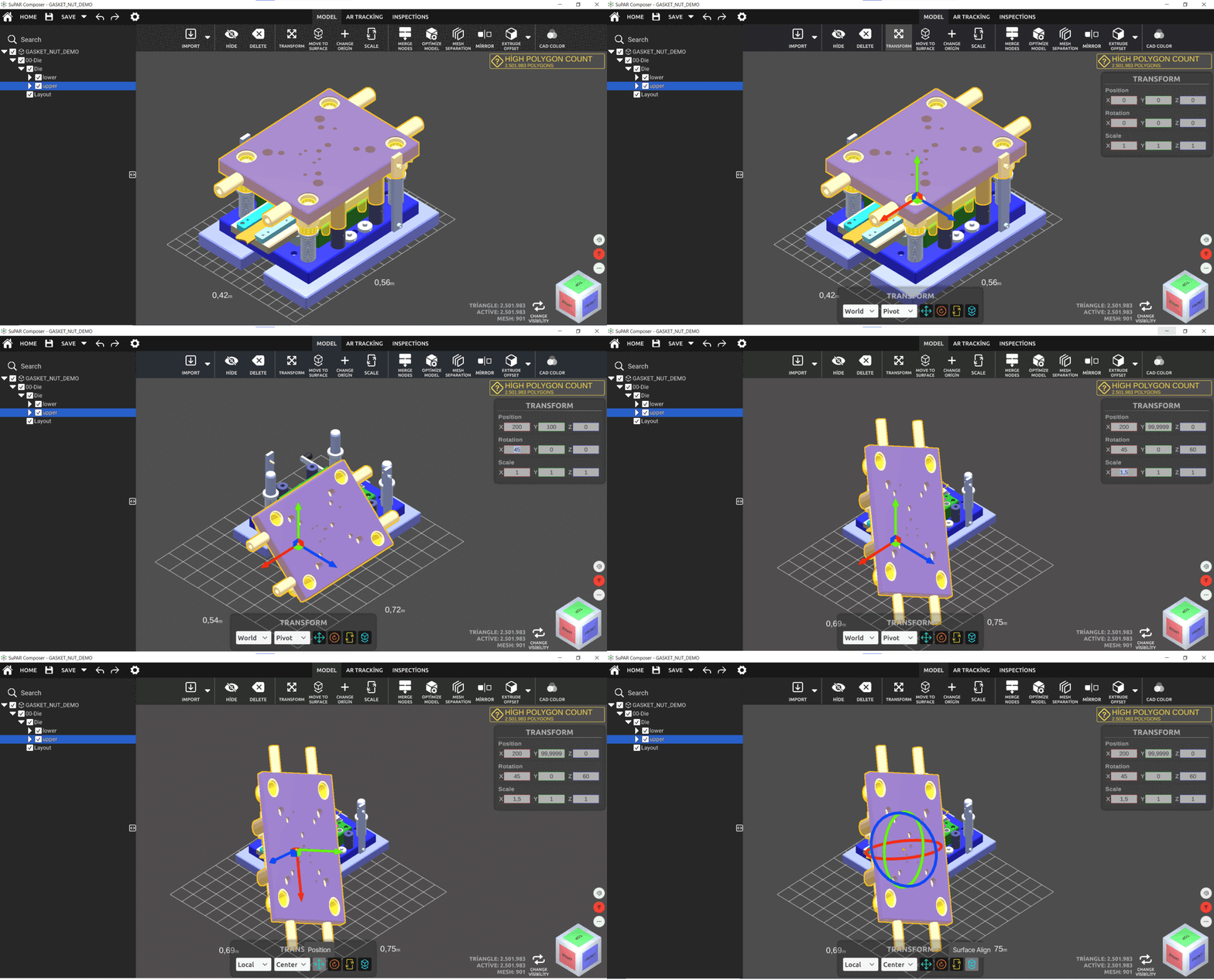
Transform
Move, rotate and scale the selected parts.
- World: CAD data origin.
- Local: origin of the chosen part.
- Pivot: defined origin point of the part.
- Center: center point of the part.
- Position: move the part with the handle.
- Rotation: rotate the part with the handle.
- Scale: scale the part with the handle.
- Surface Align: align the part with any surface.
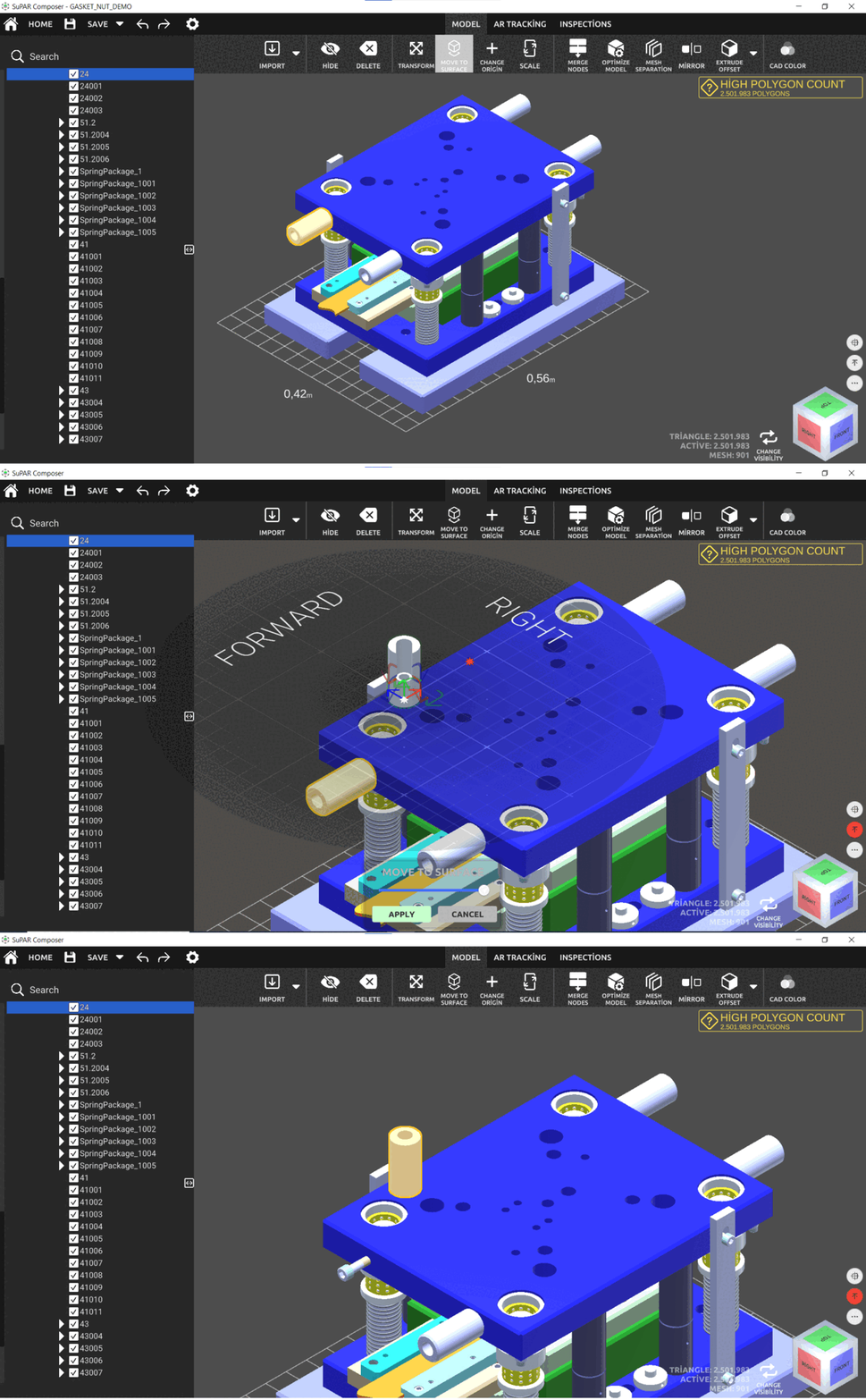
Move to surface
Move objects by referencing a surface selected with the gizmo. Click the arrows on the gizmo to rotate.
Change origin
Change the origin point of a part.
Scale
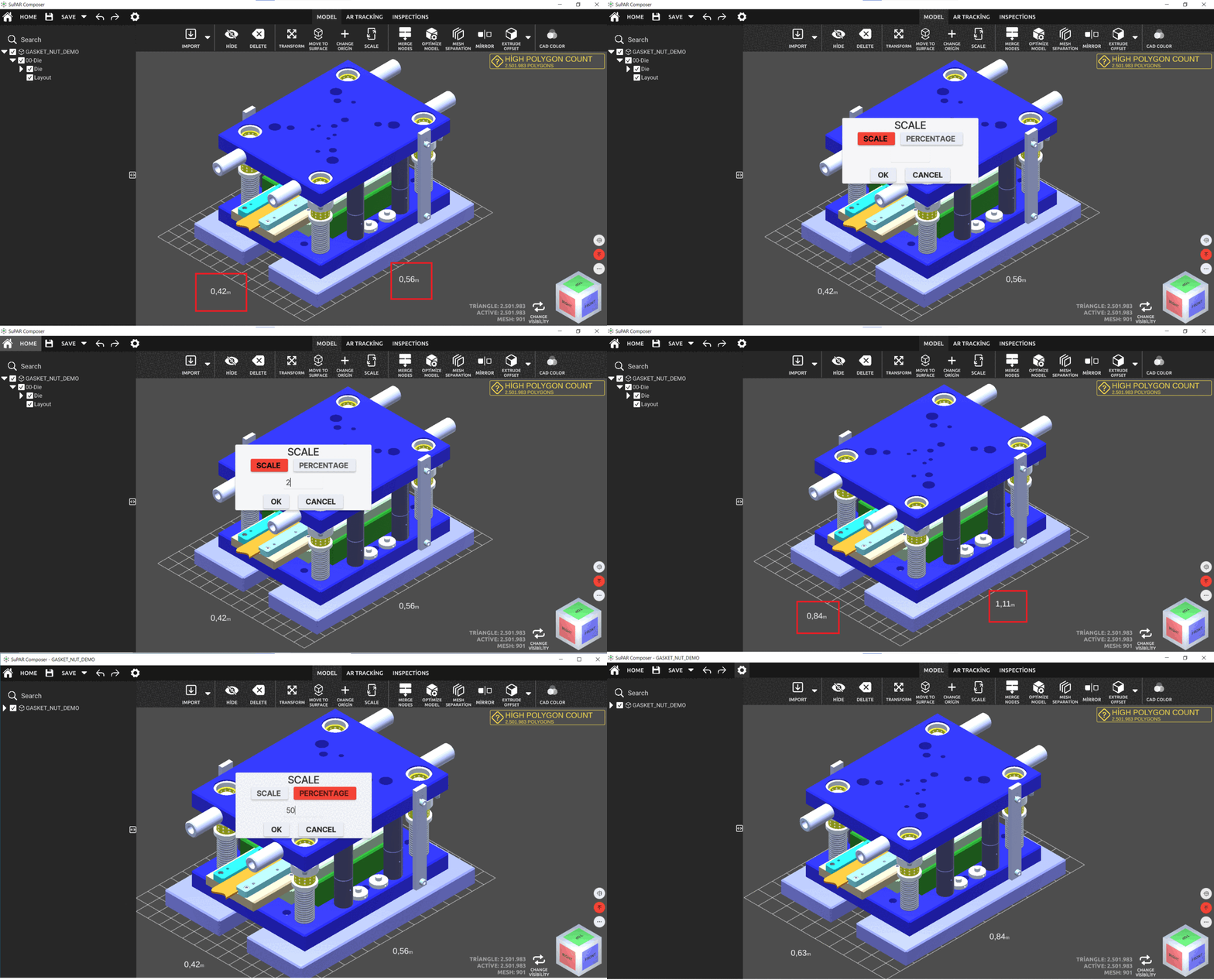
Two options are available: by scale factor or by percentage.