Snapshot
Take photos independent of notes and checkpoints. It is recommended to take a few general photos of the part; they appear at the bottom of the report.
The photos in notes and checkpoints usually show a specific area, whereas snapshots cover the whole part — so even places without notes are captured in the report. This feature can be used to prove the general status of an object.
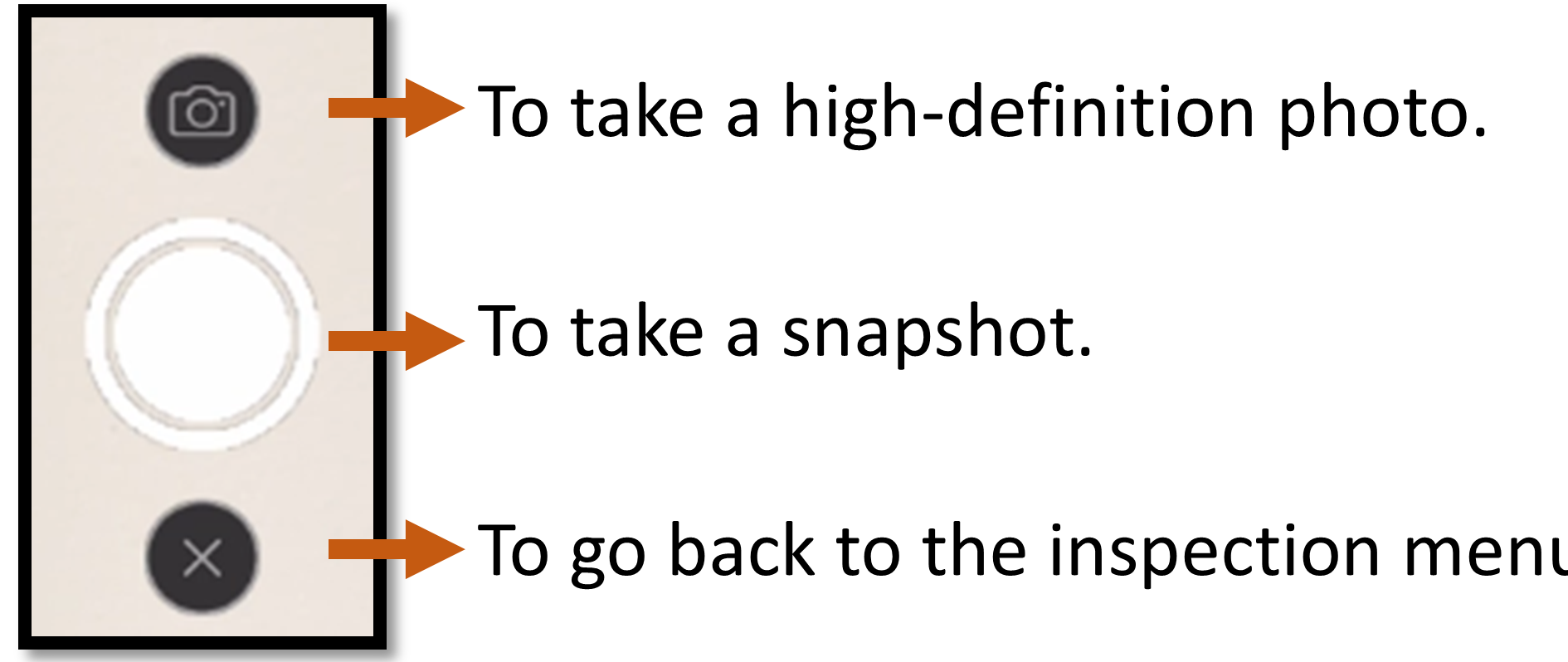
- Camera icon: take a high-definition photo.
- Shutter button: take a snapshot.
- X: go back to the inspection menu.
0:00 / 0:00