Main Screen
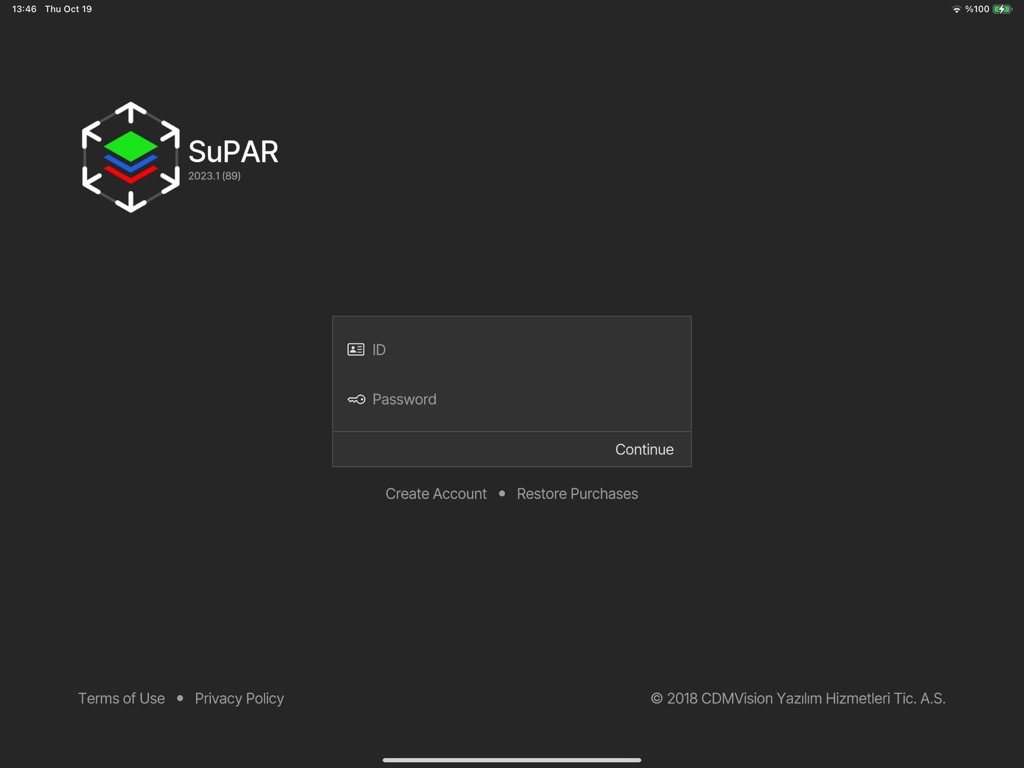
License activation
- Log in with your ID and password. Be aware of upper/lower case.
- In case of a login issue, connect to a mobile hotspot.
- After license activation the SuPAR App does not need an internet connection.
- Updates are installed from the App Store (internet required).
Main screen
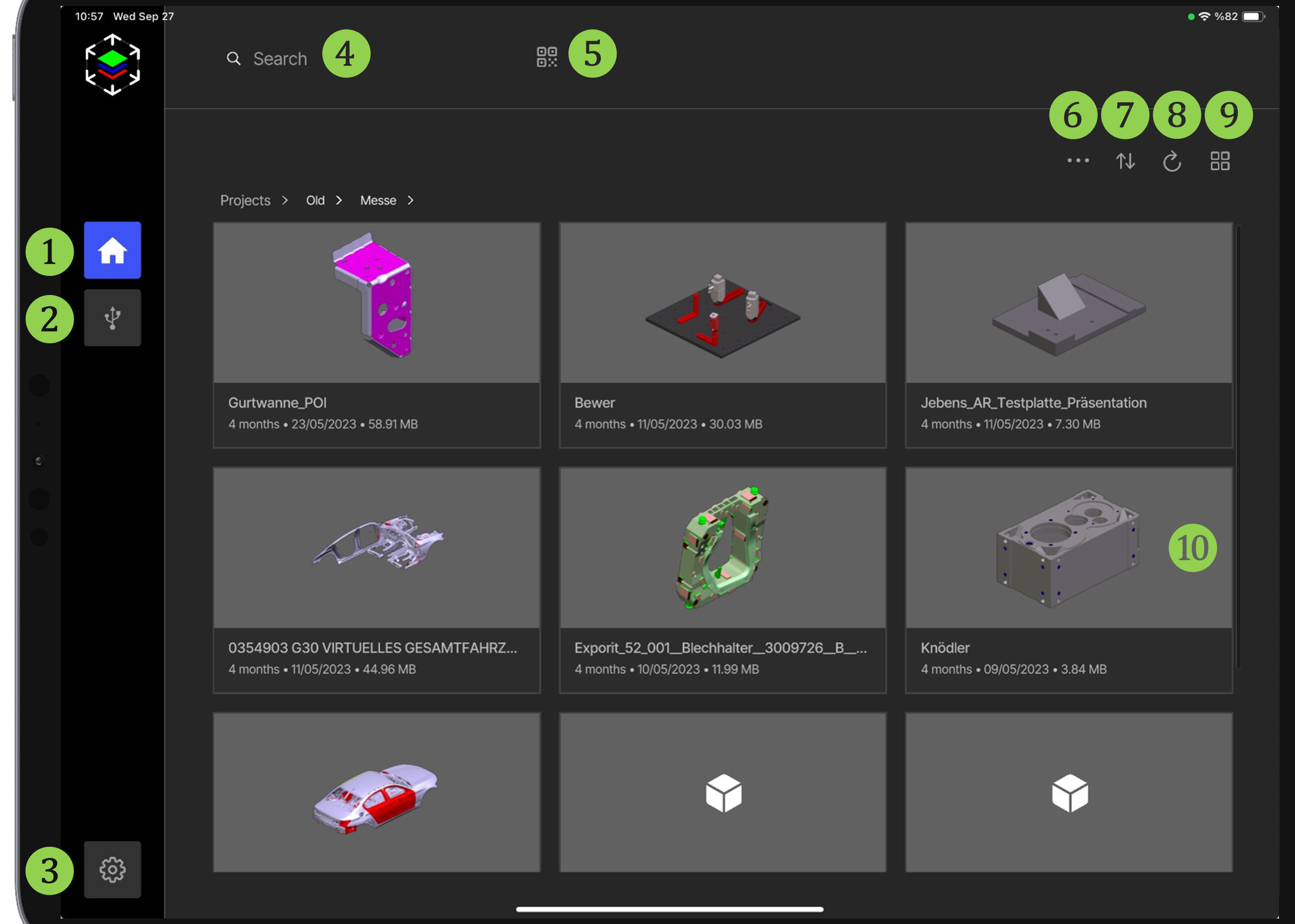
- Home
- Data Transfer — see Data Transfer
- Settings — see Settings
- Search Bar
- QR Code / Barcode Reader
- Share / Delete
- Sort
- Refresh
- List / Box View
- Project Preview