3D Rotate & Gizmo
The view can be changed with the mouse or with the rotate gizmo (cube) at the bottom right of the 3D view.
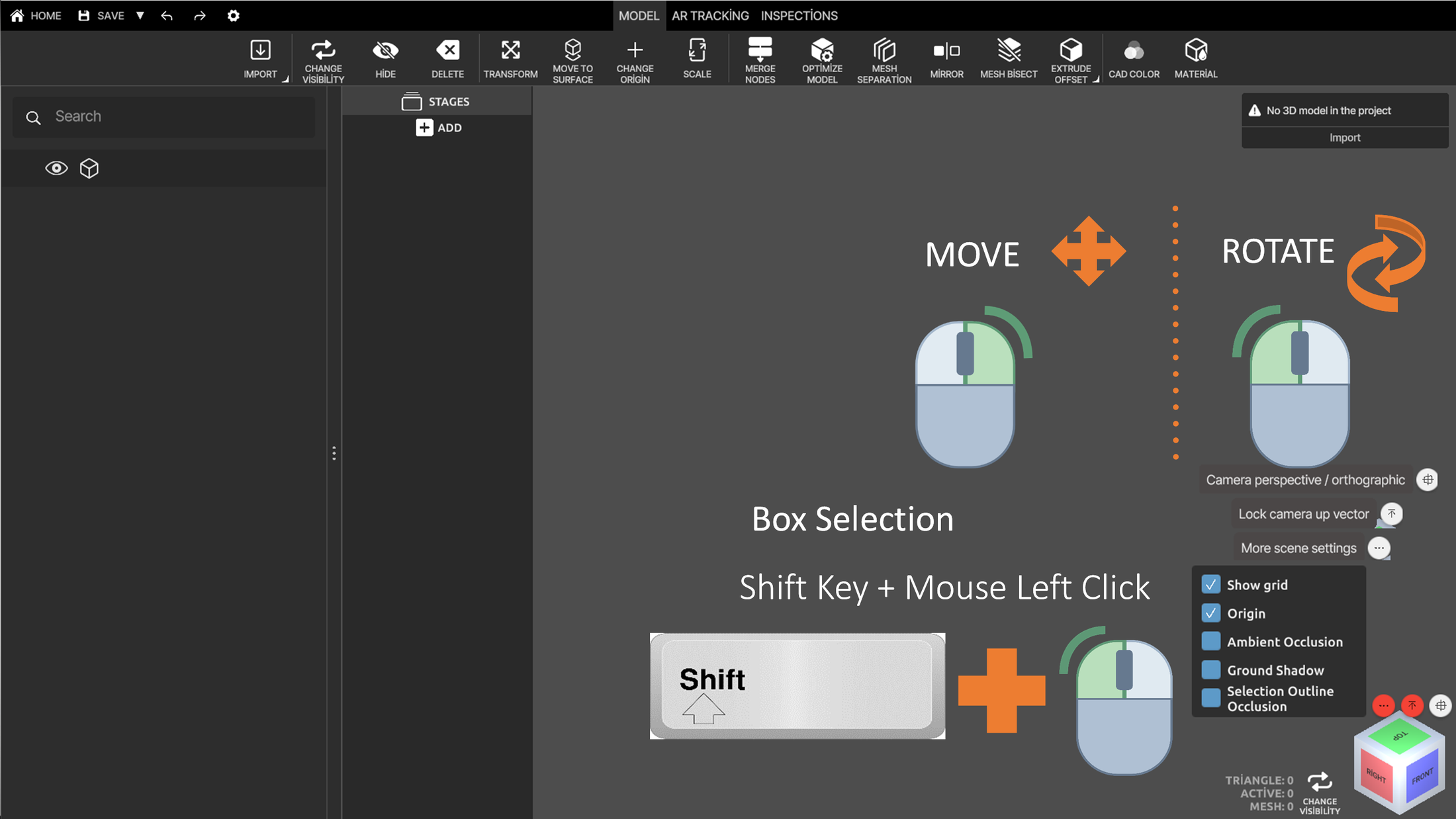
Mouse movements
| Action | Control |
|---|---|
| Move (pan) | Hold the middle mouse button (scroll wheel) and drag |
| Rotate | Hold the right mouse button and drag |
| Box selection | Shift + left mouse click and drag |
Right-click context menu
The right-click context menu provides quick shortcuts for commonly used actions.
0:00 / 0:00
View options
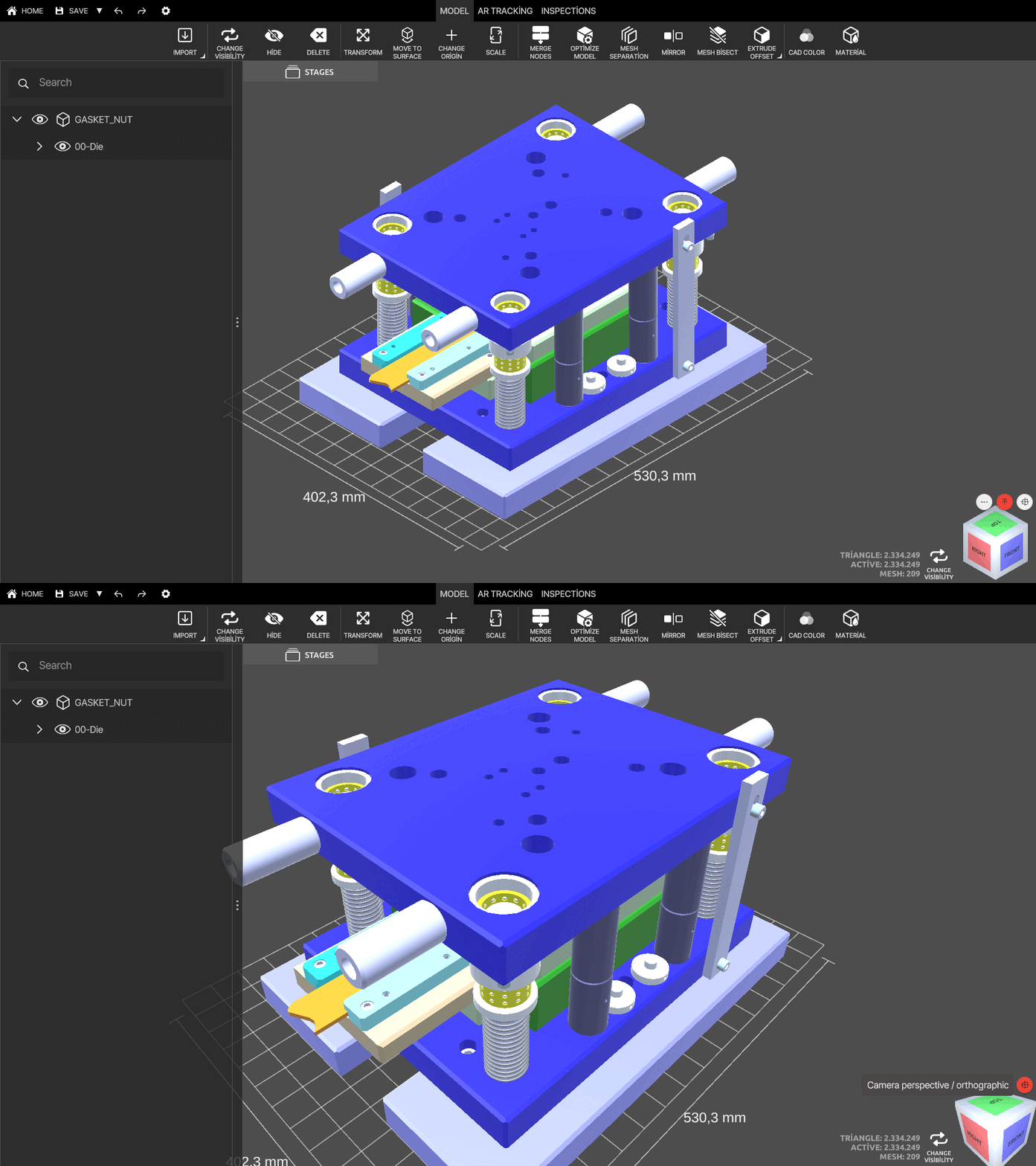
Camera perspective
Switch the view between perspective and orthographic camera.
Lock camera up vector
Lock or unlock the up axis while rotating the model.
0:00 / 0:00
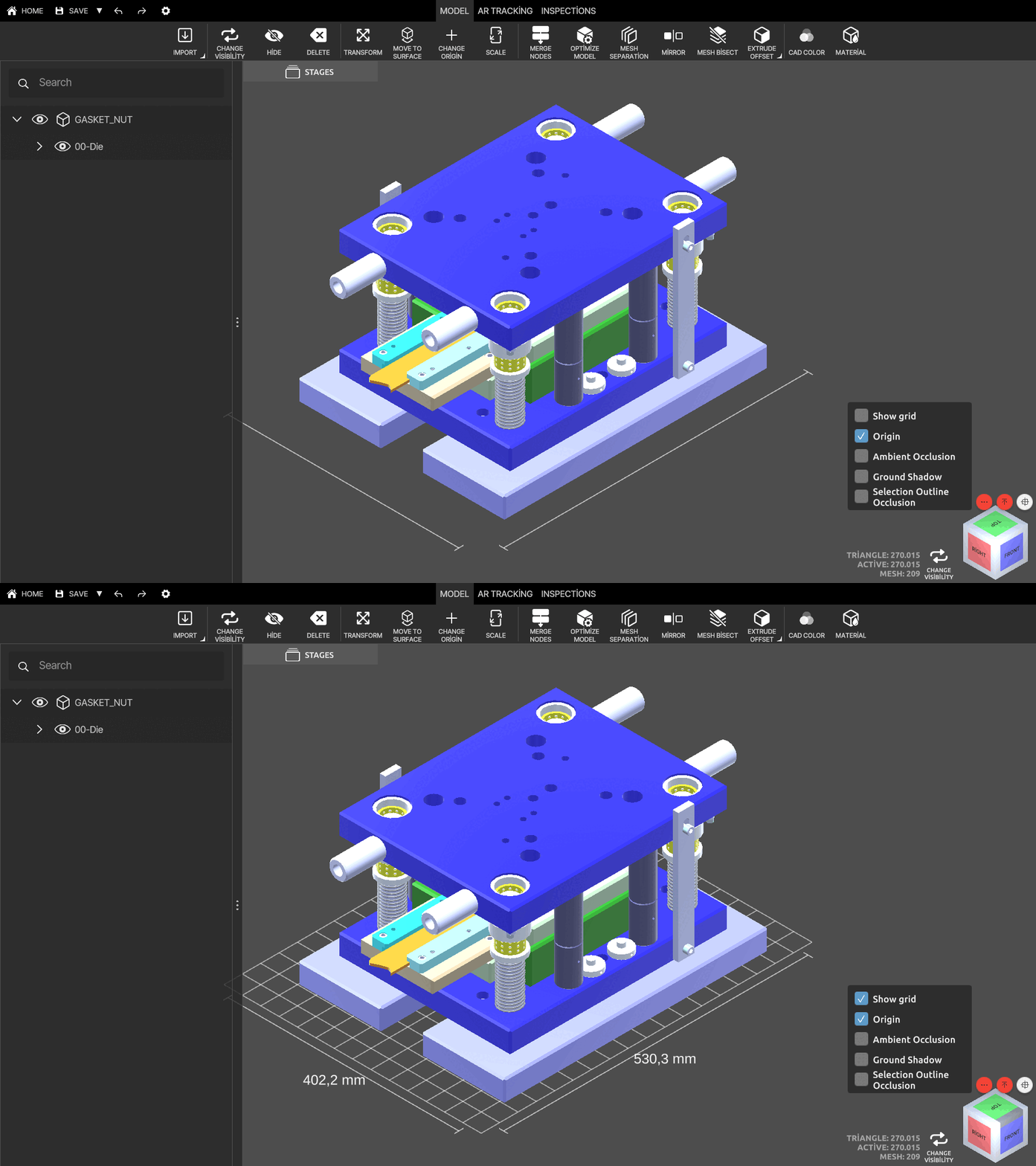
Show grid
Hide or show the bottom grid. The grid shows the length and width of the part.
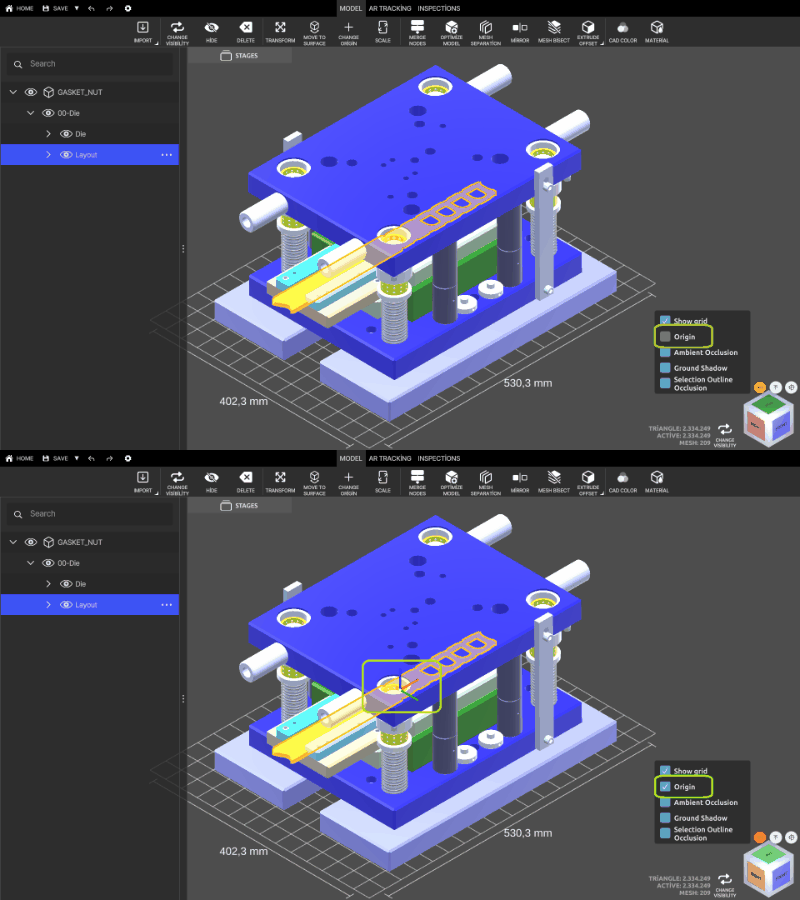
Origin
Make the origin of the selected part visible. A part must be selected.
Ambient occlusion
Hide or show shadows for a more realistic view.
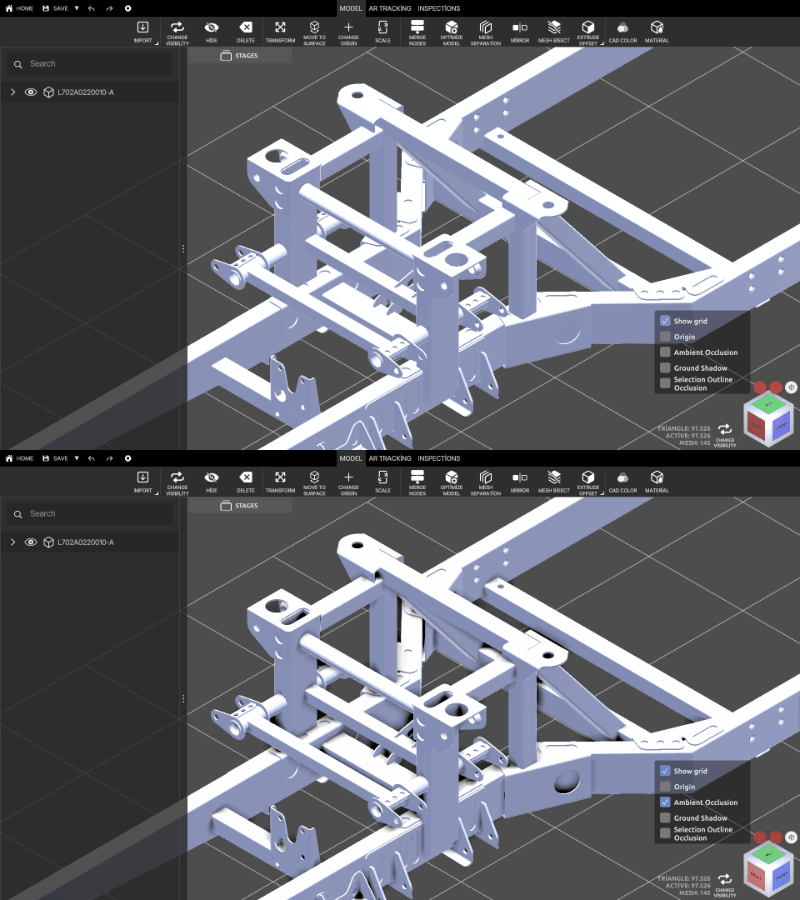
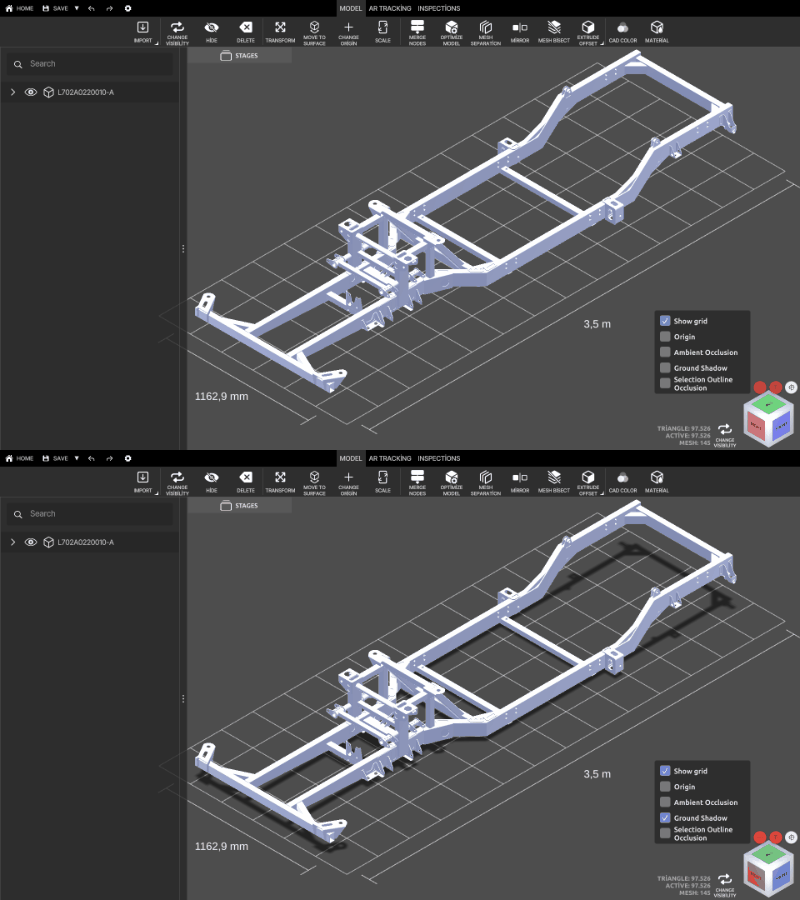
Ground shadow
Hide or show the ground shadow.
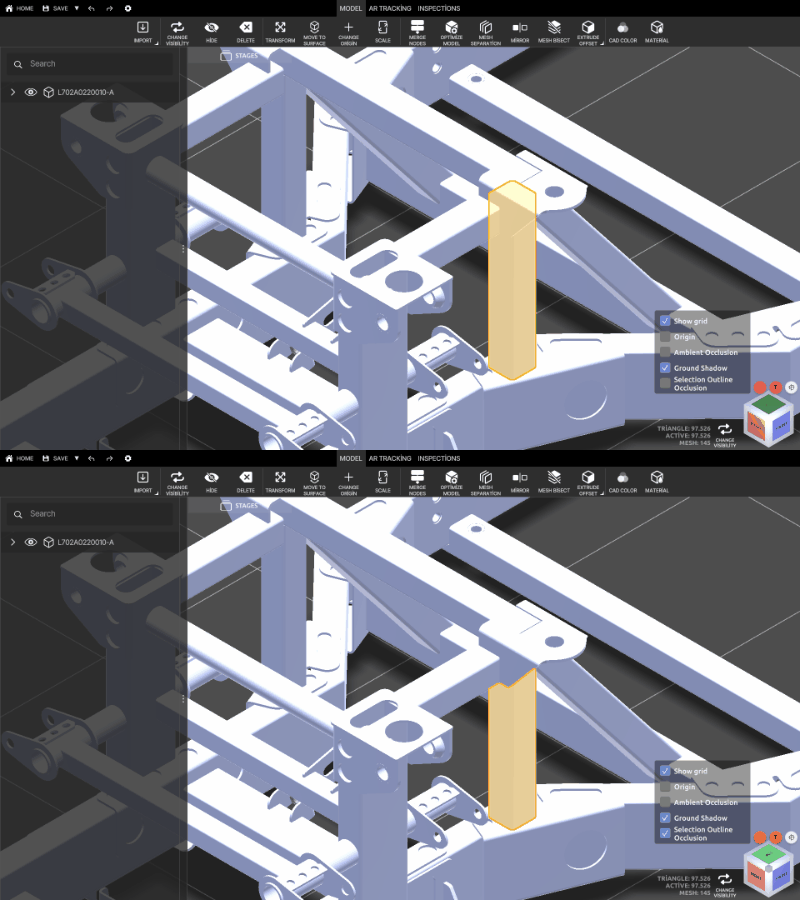
Selection outline occlusion
While drawing the outline of the selected part, the outline is not drawn where another part is in front of it.
3D rotate gizmo (cube)
Click the faces, edges or corners of the cube to select a viewing angle.
0:00 / 0:00