Object Placement & Tracking Control
Object placement
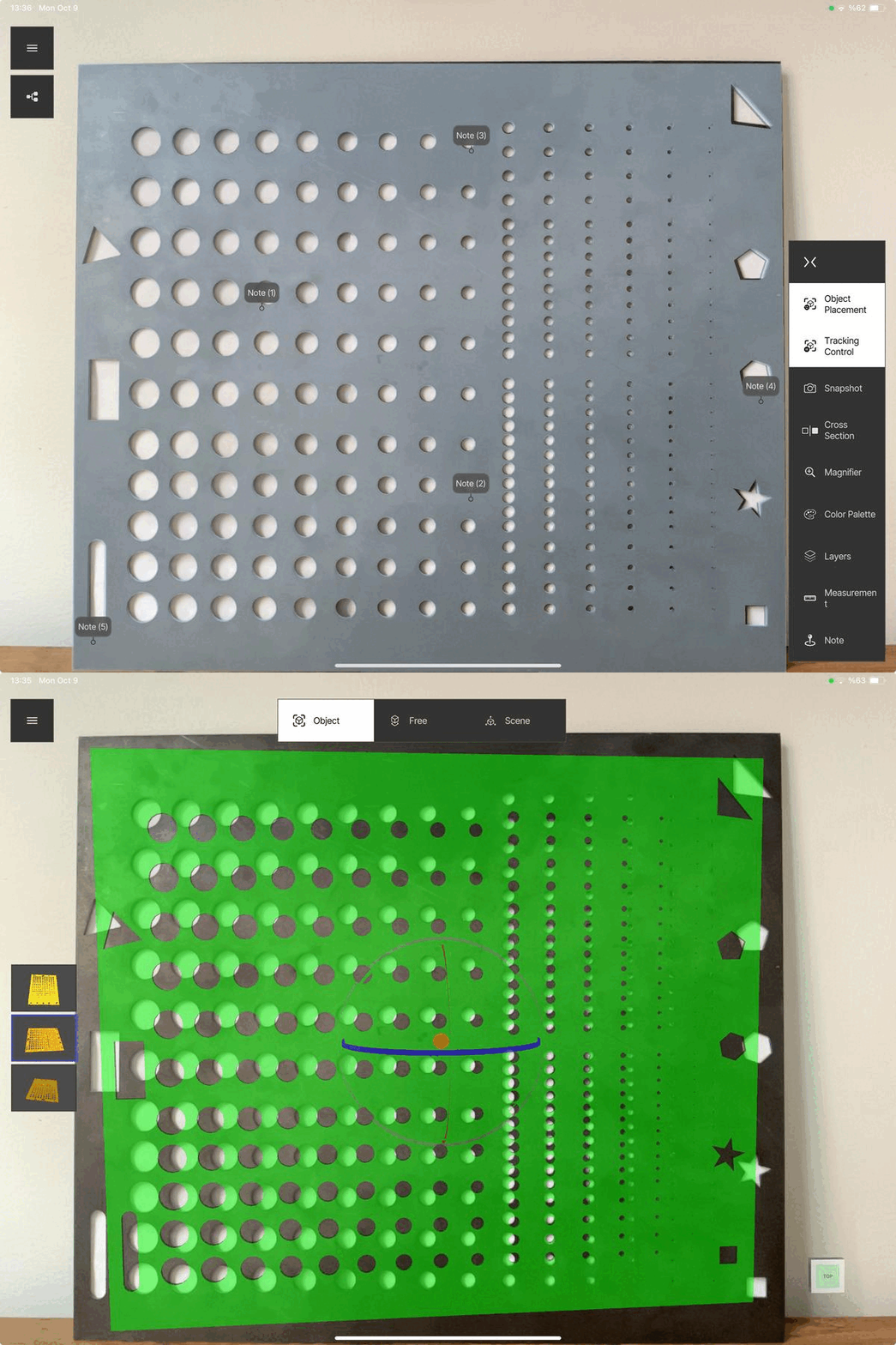
- In case of misalignment of the ghost model, restart the tracking.
- It also allows switching between Object Tracking, Free Placement and Scene modes.
- It recognises the last position when tapped.
Tracking control
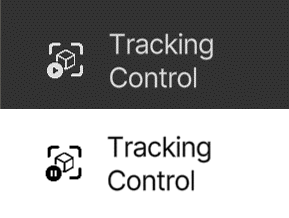
Used to pause or resume tracking. If the icon is white, it is active and tracking is running.
⚠️
When tracking is paused, SuPAR starts environment tracking instead of object tracking. Inspection is not recommended in this state.
When to pause the tracking:
- If the tracking is flickering and you want to pause and focus on one area. In this case remain as still as possible and inspect carefully.
- When moving from one point to another around the part while no inspection is being performed — pause so that the tracking is not broken, and resume when the inspection starts again.