Open Project
When a project is opened, the following modes and controls are available:
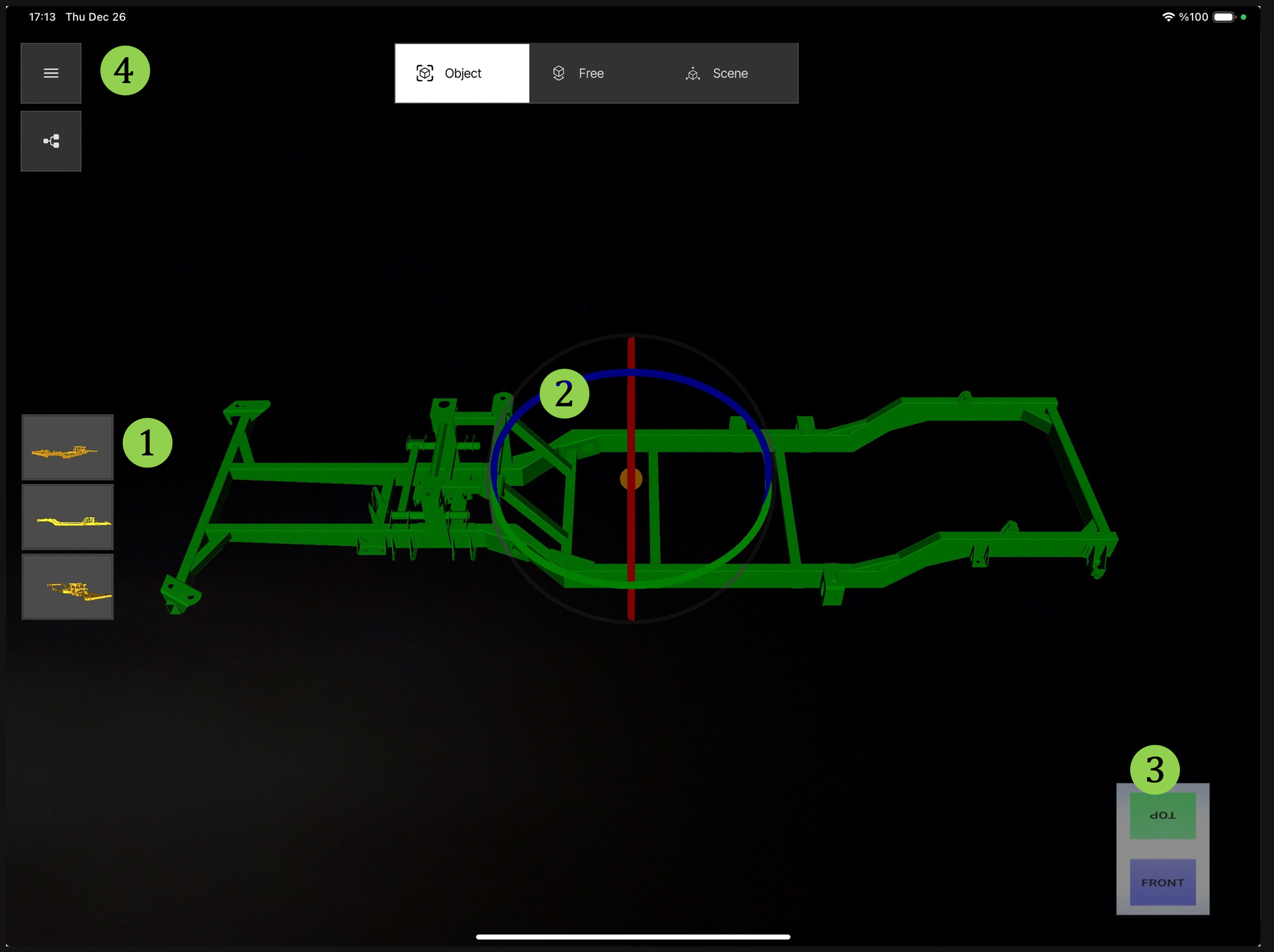
Modes
- Object: Track the real object (see Object Tracking).
- Free: Place the AR data in a free environment without the actual object — Digital Twin (see Free Placement).
- Scene: 3D CAD model / report viewer (see Scene Mode).
Alignment controls
- Reference Views: Initial tracking start positions set in Composer (see Reference Views).
- Axis: Rotate the ghost model using the XYZ axes.
- Gizmo Box: Rotate the part using the gizmo box.
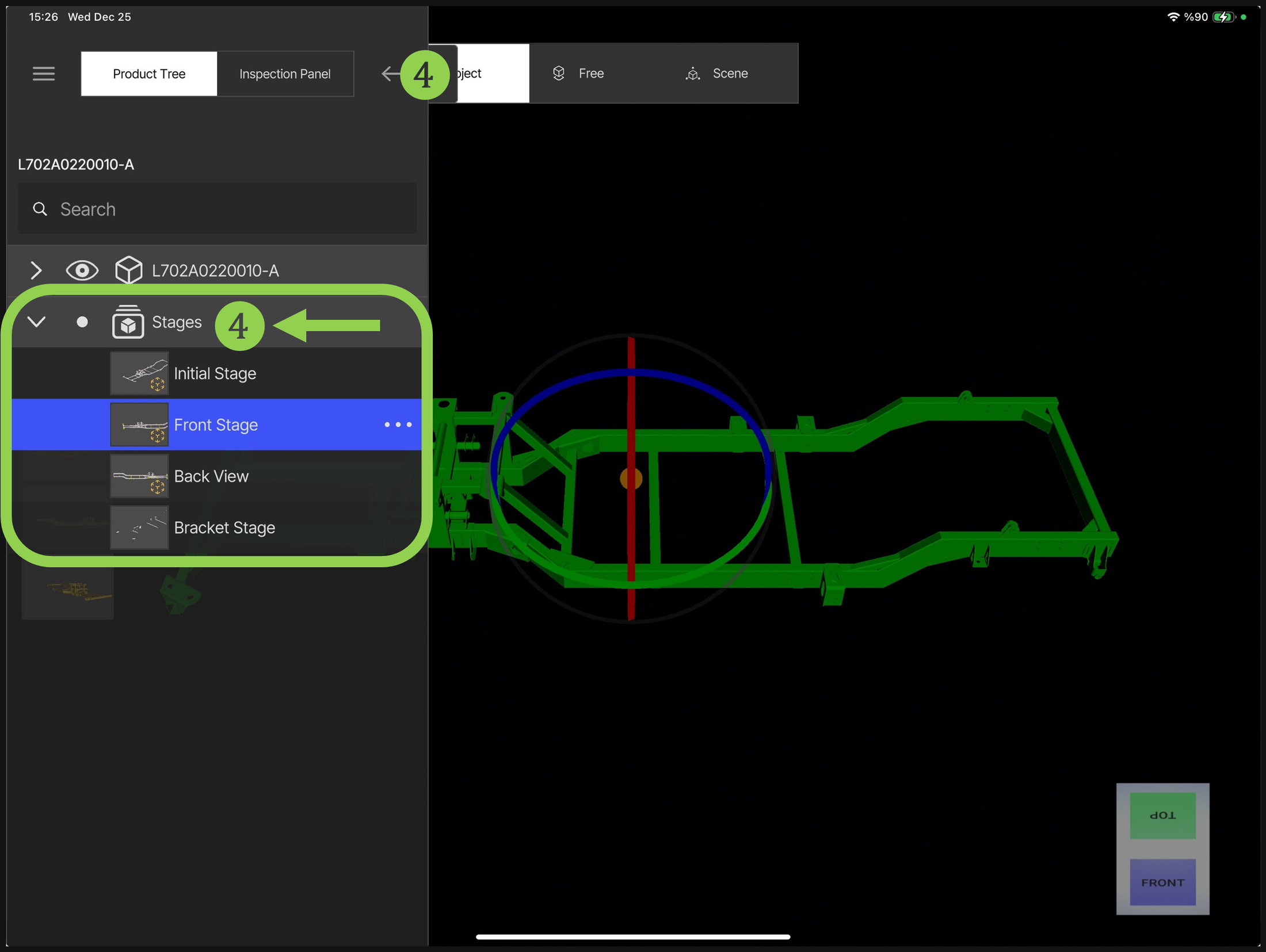
- Stages: Select the initial stage for the first alignment.
Initial stage
Stages are created in Composer as described in Stages. During the first alignment, the desired stage can be selected from the prepared stages.