Main Menu
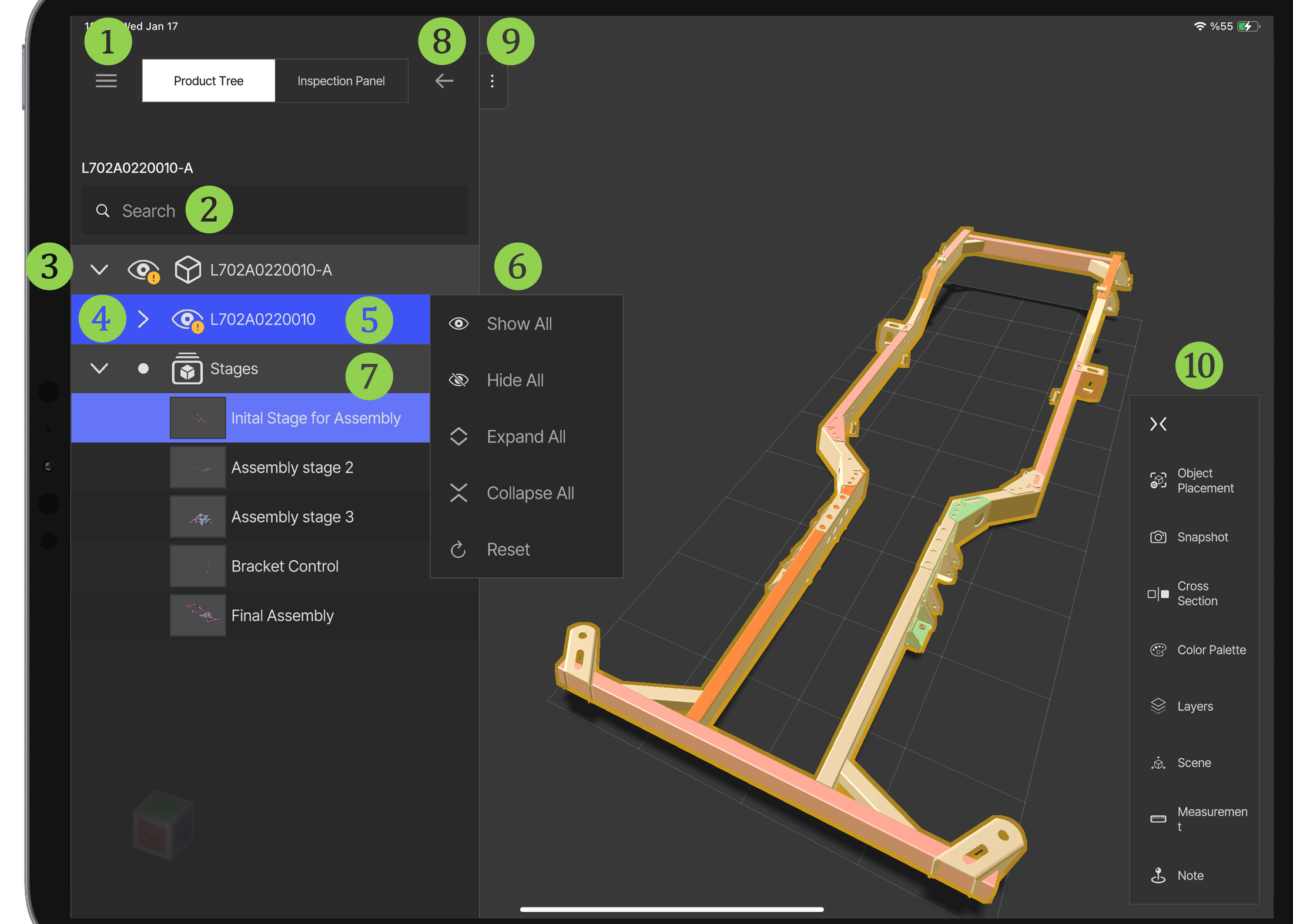
- Menu — see Menu
- Search Bar for the product tree
- Product Tree — see Product Tree
- Hide / Show
- Nodes with Hidden Child
- Context Menu
- Stages — see Stages
- Hide Panel
- Window Resize
- Features — see Features / Submenu
Menu
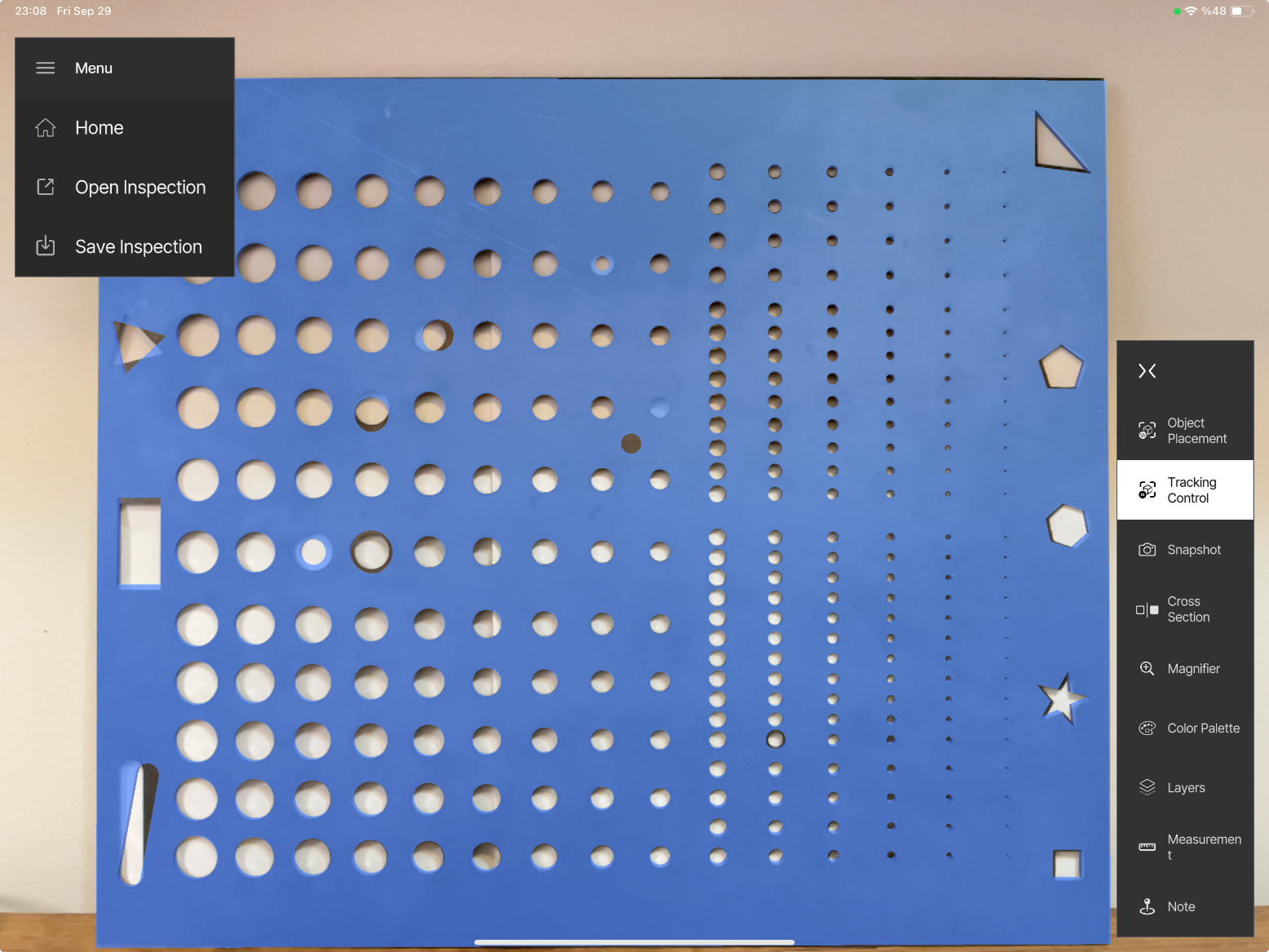
- Home: Return to the main screen.
- Open Inspection: Open a checklist or a completed inspection (see Open Inspection).
- Save Inspection: Save the inspection and export the digital report (see Save Inspection).