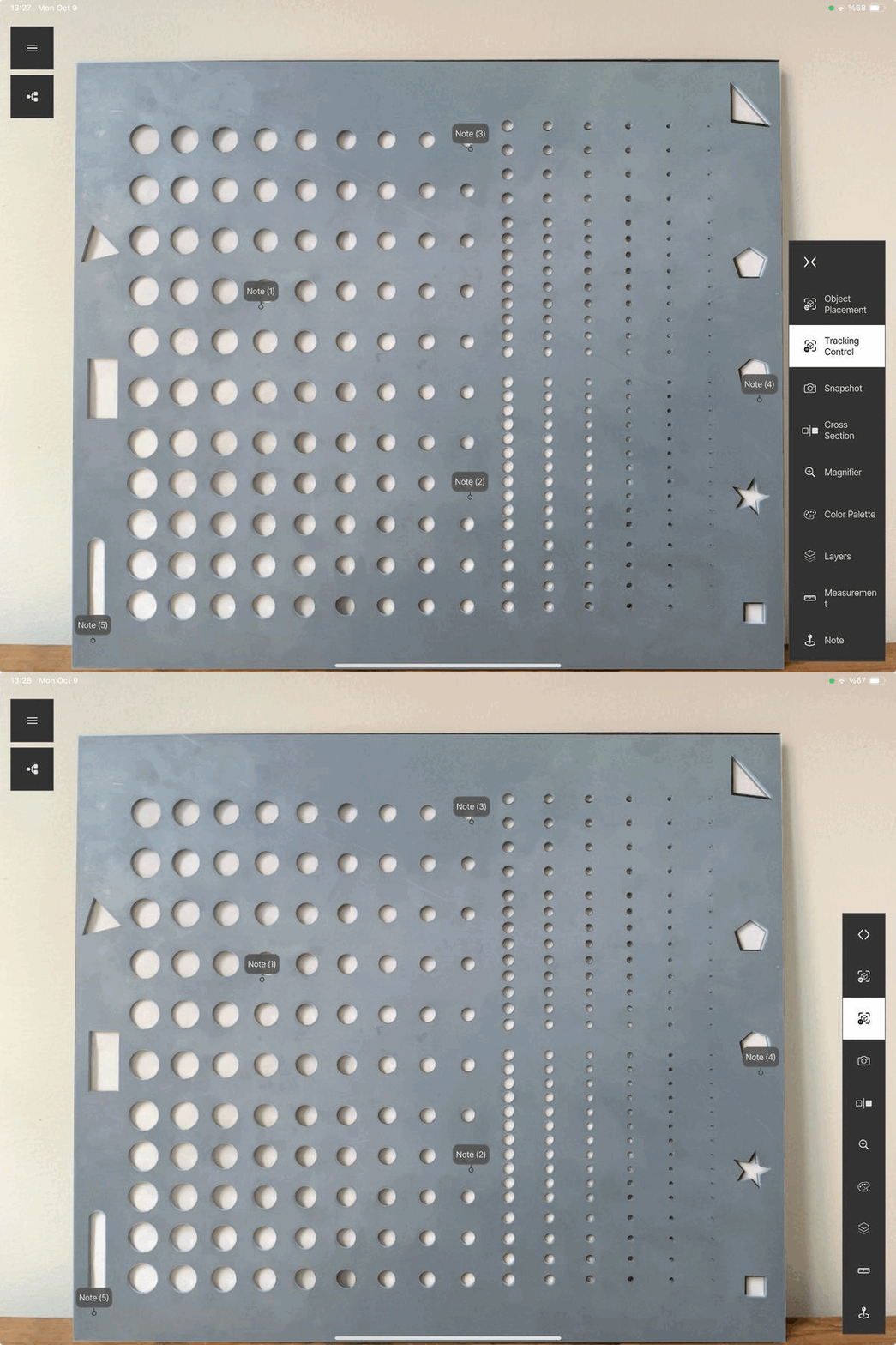
Features / Submenu
The submenu on the right side of the inspection screen contains the inspection tools.
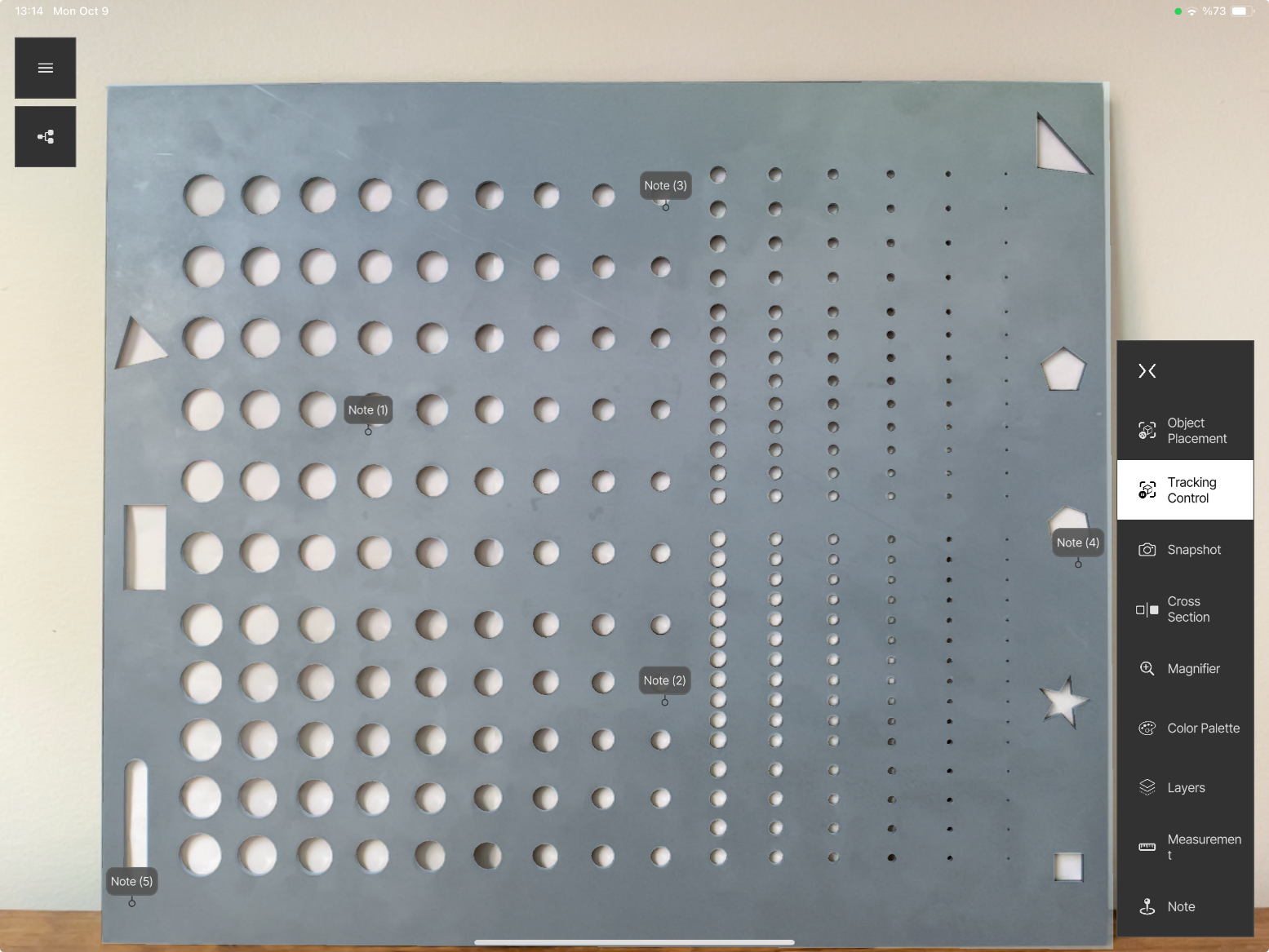
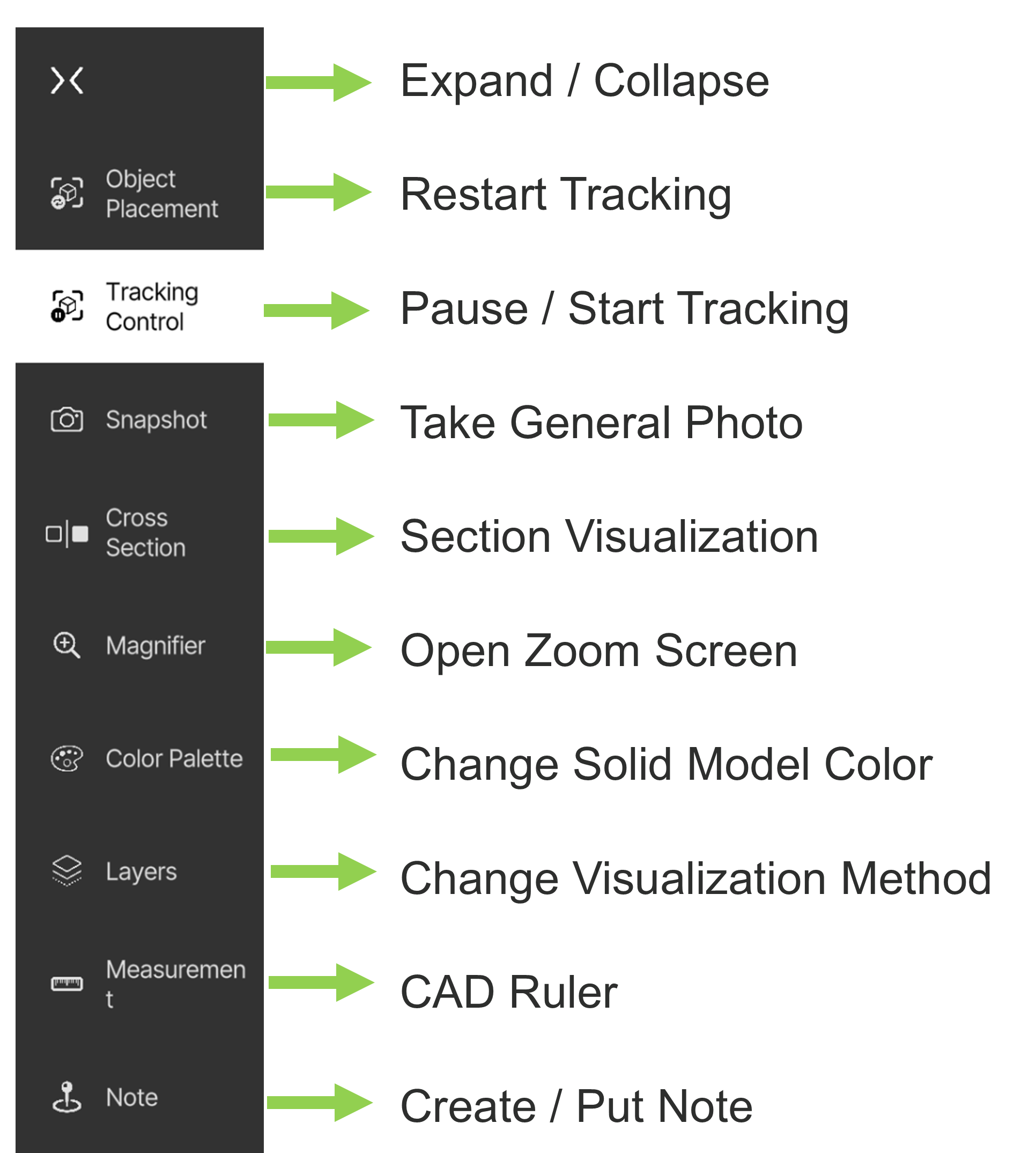
| Button | Function | Page |
|---|---|---|
| Expand / Collapse | Expand or collapse the submenu | below |
| Object Placement | Restart tracking / switch mode | Tracking Controls |
| Tracking Control | Pause / start tracking | Tracking Controls |
| Snapshot | Take a general photo | Snapshot |
| Cross Section | Section visualisation | Visualization |
| Magnifier | Open the zoom screen | Visualization |
| Color Palette | Change the solid model color | Visualization |
| Layers | Change the visualisation method | Visualization |
| Measurement | CAD ruler | Measurement |
| Note | Create / put a note | Notes & Checkpoints |
Expand / Collapse
Expands or collapses the submenu.